



Our tips and advice for you
If you have not found what you were looking for, please contact us and we will help you
Adjust Your Photo
Crop
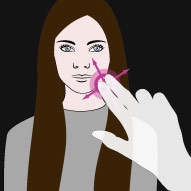
Pinch & drag two fingers on the photo to move it
Zoom
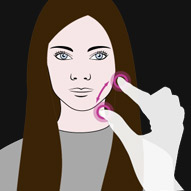
Move two fingers apart or together to zoom in and out
Rotate
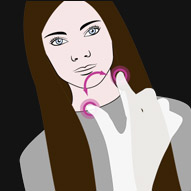
Touch & turn with two fingers to rotate the photo
Tips For Getting A High Score
Keep your head straight
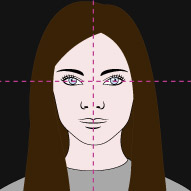
Try to keep your face straight and look directly at the camera
Don't hide your face
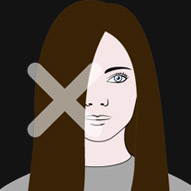
We advise you not to cover your face with hair, accessories etc.
One at a time
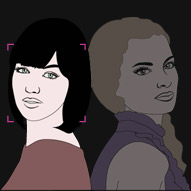
Upload a photo of only one person
F.A.Q.
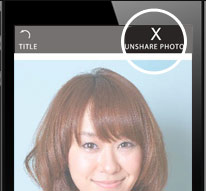
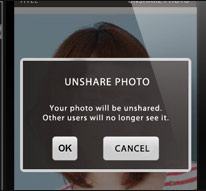
How can I unshare my photo?
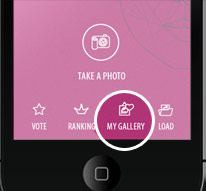
On the top page go to "My gallery" > "My photos" and tap "Unshare photo" After that confirm by tapping the "OK" button.
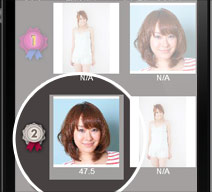
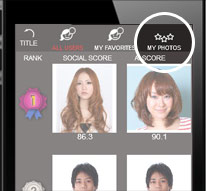
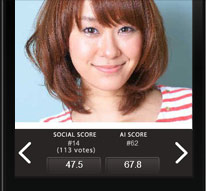
How can I see my rank?
On the top page go to "My gallery" > "My photos" and you will see all of your uploaded photos. After tapping an image you can see your rank.
- Adjust Your Photo
- Tips For Getting A High Score
- F.A.Q.